
IoT

Device Streams with Azure IoT Edge

Introduction

Device Streams is a feature to access IoT devices via IoT Hub. The IoT Hub acts as a proxy and no direct ingoing connection needs to be established.

Device Stream Overview

Disclaimer: Azure IoT Hub currently supports device streams as a preview feature.

Using Device Streams on IoT Edge devices

To be able to use device streams on an IoT Edge device (which is hosting Docker containers), there are two options:
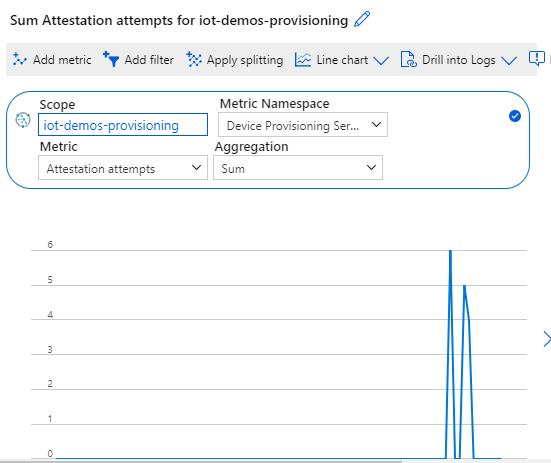
Count provisioned devices by DPS

This post shows a way to find out how many IoT (Edge) devices have been provisioned by a specific enrolment group within the last x minutes.

The solution could be much simpler if I just wanted to know how many devices are registering themselves. In this case the build in metrics are enough to get that information.

IoT Hub Metrics

The use case required a more sophisticated solution that is able to reflect the tenants, identified by tags.

Azure IoT Edge on constraint devices

In this post I would like to show some tweaks you can (and might need to) apply to influence the behavior of your IoT Edge device, when it comes to message retention on devices that are limited in resources.

The setup of this scenario is not uncommon, as it uses a module to retrieve telemetry from machines, parses them in another module and sends the messages to an IoT Hub.

Configure Azure IoT Edge for downstream devices

A lot of documentation and posts are available to setup an Azure IoT Edge to act as an IoT Hub for downstream devices. In order to get it up and running in a dev environment, I had to do some more research.

My setup is a RaspberryPi 3 with Raspbian stretch and an Azure IoT DevKit which looks like this. And please remember the setup I used is for development only. I’ve used symmetric key authentication for the IoT Device. In a production scenario you would probably use certificate based authentication and no self signed certificates for the TLS encryption.