
Migrate SharePoint Blog to WordPress
As promised here, this is a follow-up post with the tool I developed for the SharePoint to WordPress migration.
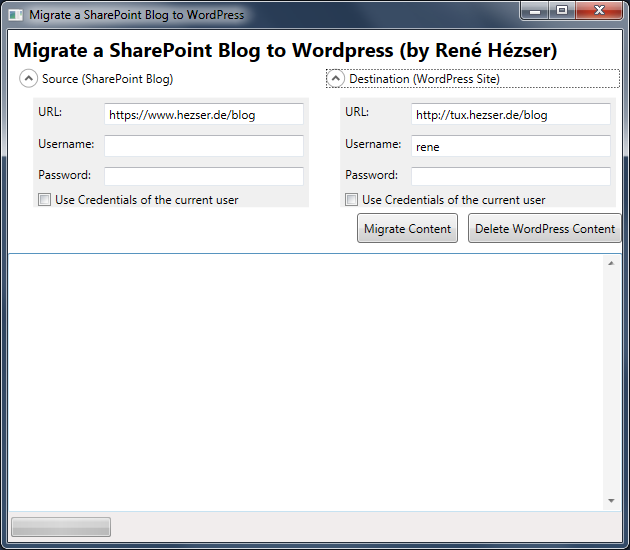
First, a screenshot:
What is it, that we have to cover with a migration? Copying the posts is not enough. So I came up with this features:
Features
- Copy posts
- Copy comments
- Copy resources like images and downloads
- Create needed tags and categories
- Modify links to local resource
- deal with https, if links are absolute on the source blog and mixed with http
- Using web services to connect to source and destination
- URL rewriting (covered by a WordPress Plugin)
- Delete all content from the destination blog (for migration testing)
- Replace strings (with Regex)
- a nice (WPF) GUI
Description
Originally I’ve build a plain console application. Then I thought that a console application would possibly scare some users. And after some time I wanted to do some WPF again. So I created a WPF application, to wrap all the functionality into a GUI. This way it will be easier to use for the folks out there, who do not like black console applications 😉 Since I am using web services to connect to both blogging platforms, the tool can be executed on any client computer. No access to a server session is required.