
Widgets instead of Add-Ins/Apps?
The concept of Add-Ins (formally knows as Apps) in SharePoint puts logic as HTML and CSS to another page. This page is then rendered as iFrame to another SharePoint page. This approach has advantages and disadvantages. You have to decide yourself.
A very promising way to put stuff (or WebParts) onto a SharePoint page is the Widget Wrangler.
More information can be found on https://dev.office.com/blogs/introducing-widget-wrangler.
Conceptually Widget Wrangler implementation is based on similar thinking as PnP App Script Part implementation, which was released few years back as part of the PnP patterns (or at the time it was call App Model Samples). Advantages of this model is that you do not have deal with iFrame implementations and functionalities can be fully responsive, where needed. Also implementation of the capabilities is much simpler when your JavaScript is directly embedded to the page rendering logic without additional complexity.
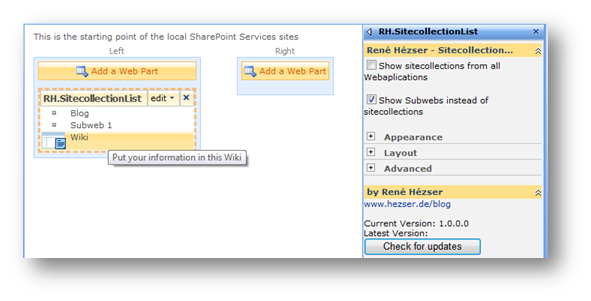
 My Webpart will look in your posts for Technorati links. Many posts are tagged with Technorati links, so that you can look for a tag, and find posts on many blogs for this tag.
 As always, you have to install the solution, and activate the WikiWebpart feature for you Sitecollection as described in